Skip to content

HR and payroll on your own Odoo, with an app for every employee

DevAura HR Suite adds HR, payroll checks, end of service and an employee app to your Odoo. HR, time, payroll and talent share one Odoo database, so there is no double entry.

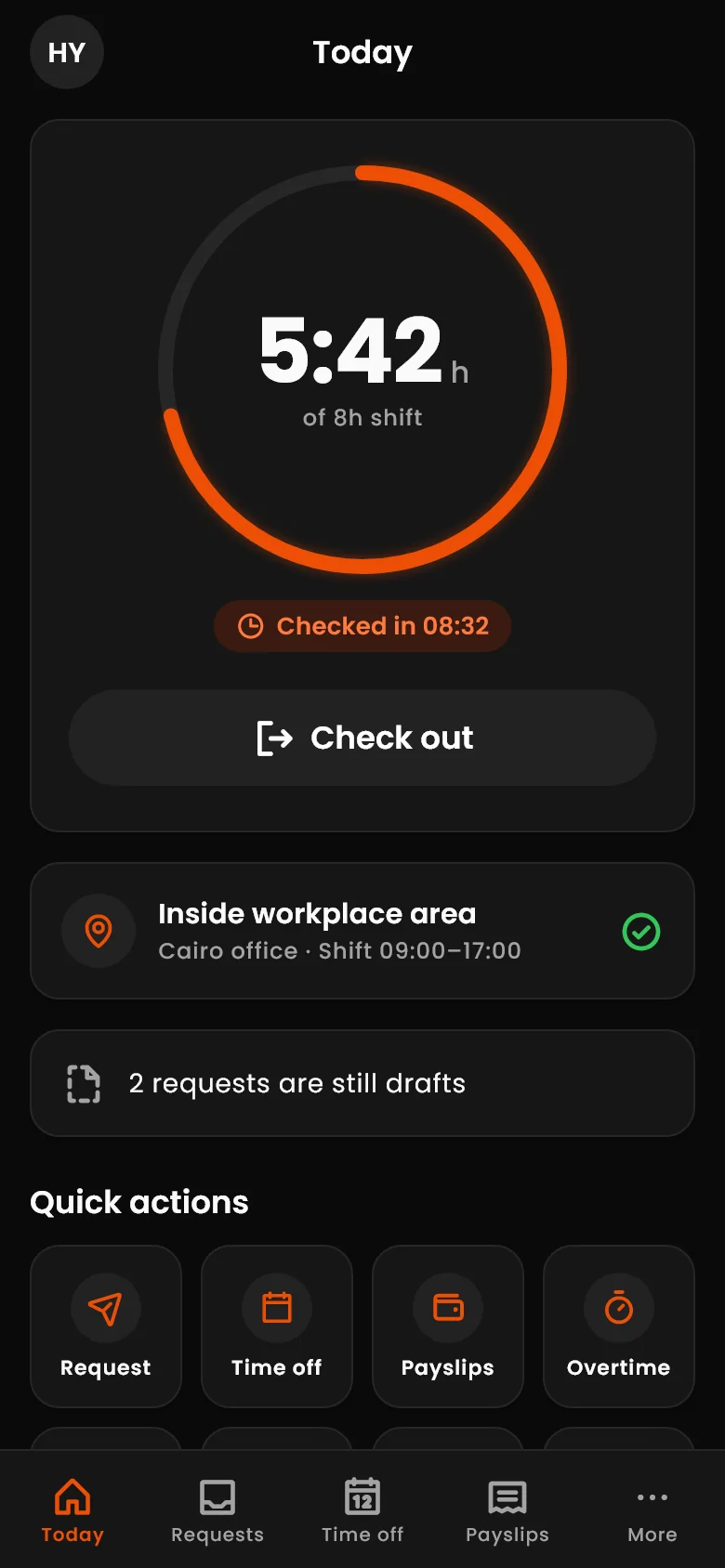
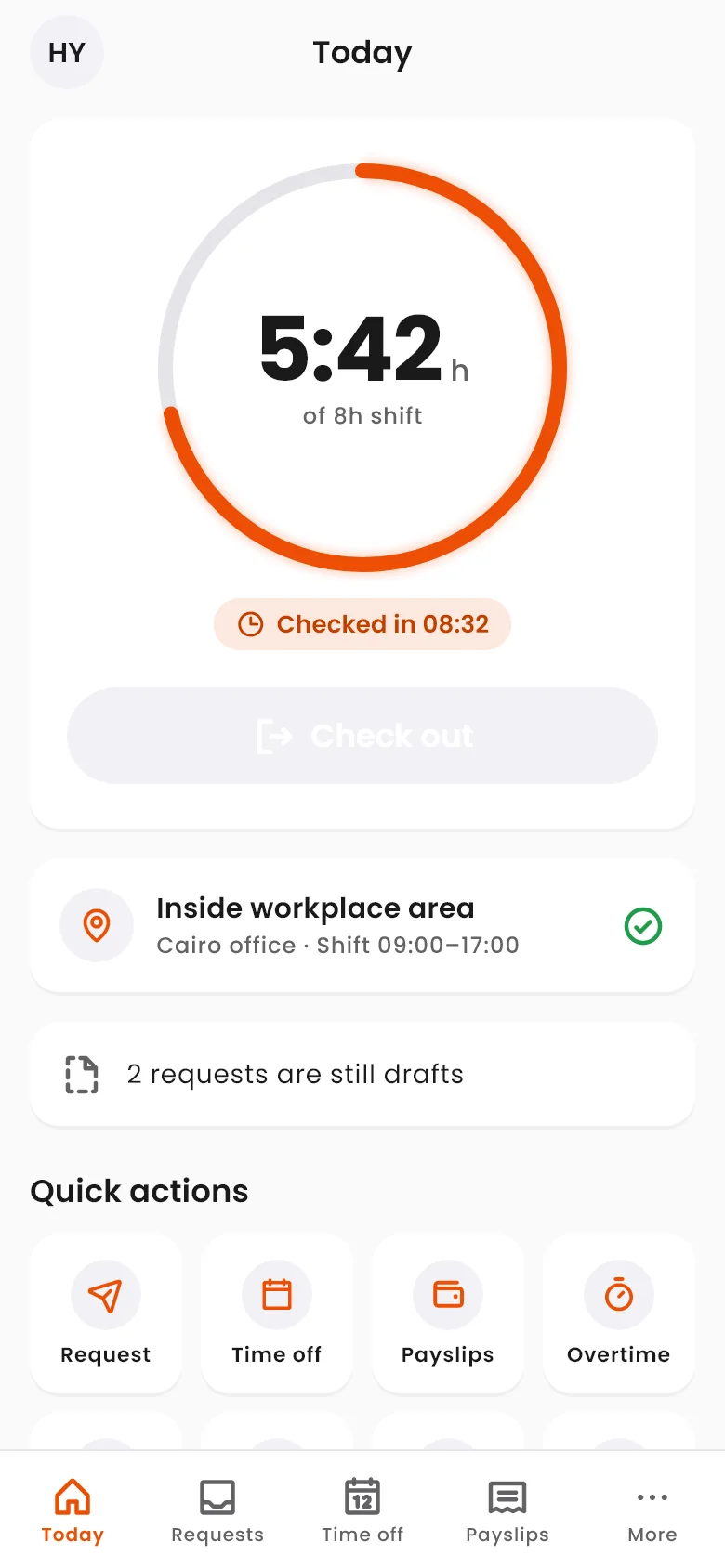
From the phone, employees check in, ask for leave, follow a request and read a payslip, in Arabic or English.

  • Coming soon toApp Store
  • Coming soon toGoogle Play
HR Suite app: today's shift, check-in status and quick requestsHR Suite app: today's shift, check-in status and quick requests

The problem

Leave requests arrive on WhatsApp, deductions are typed into payroll by hand, and every end of service settlement is a spreadsheet I have to trust.

How it works

  1. Check in

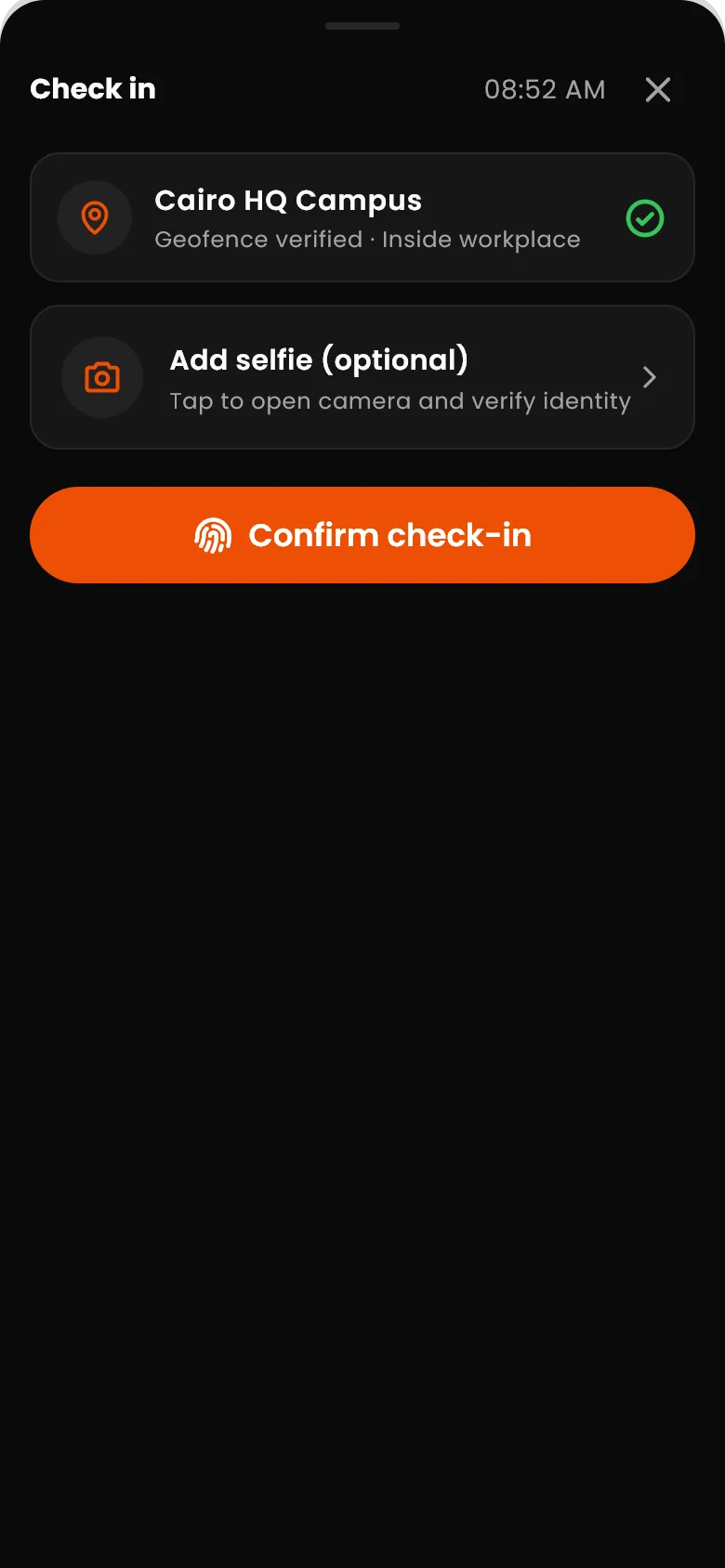
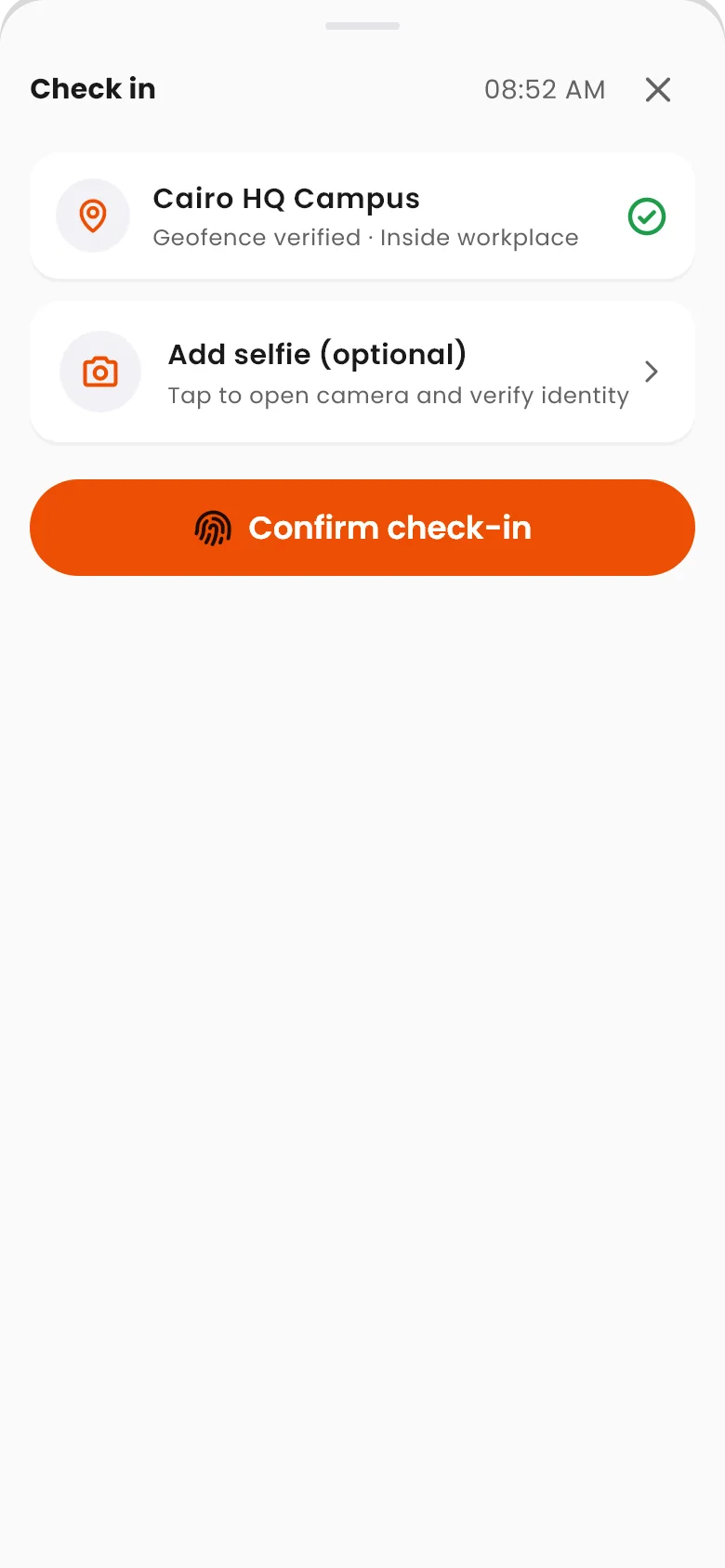
    Employees check in and out from the app, inside the work area HR sets, with a selfie when your company asks for one.

    HR Suite app: checking in inside the work areaHR Suite app: checking in inside the work area
  2. Ask for leave or anything else

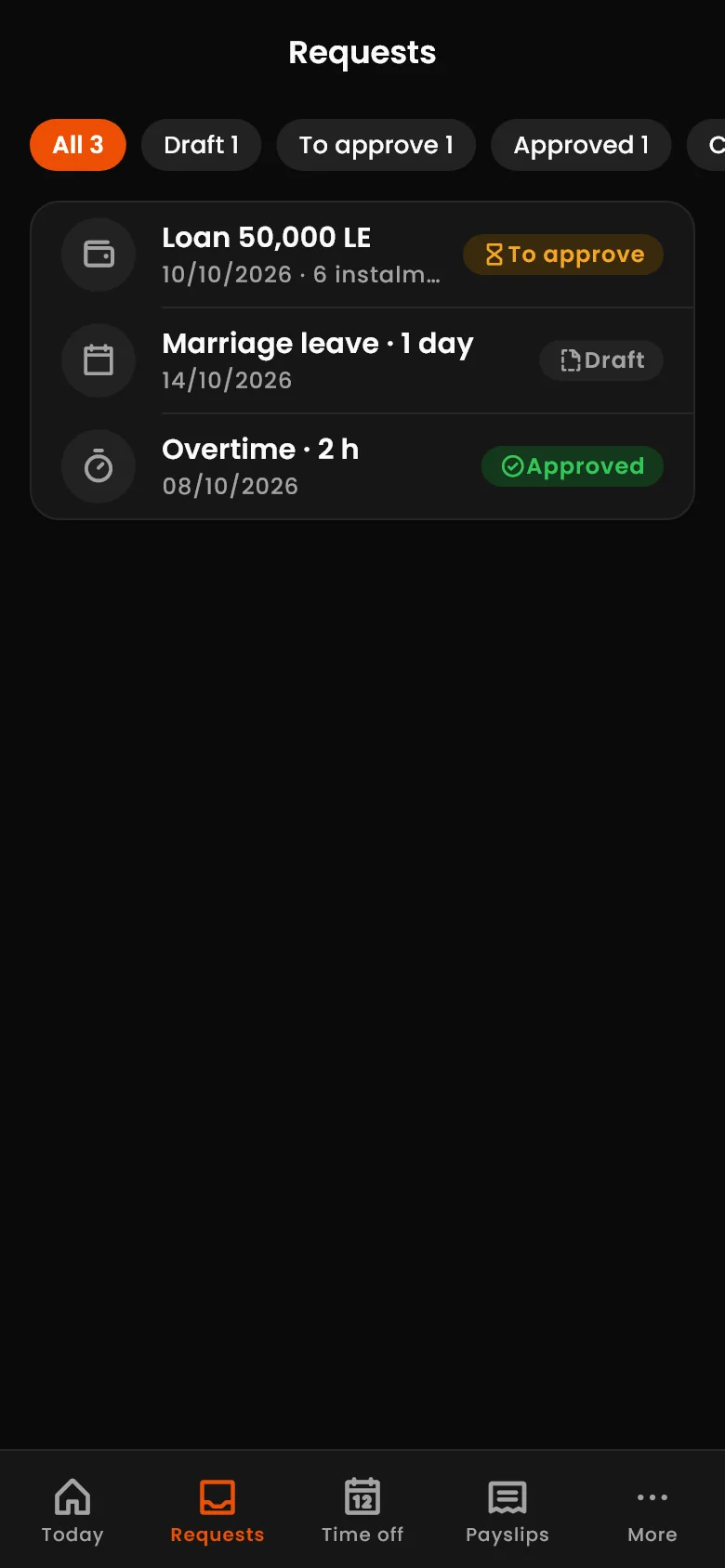
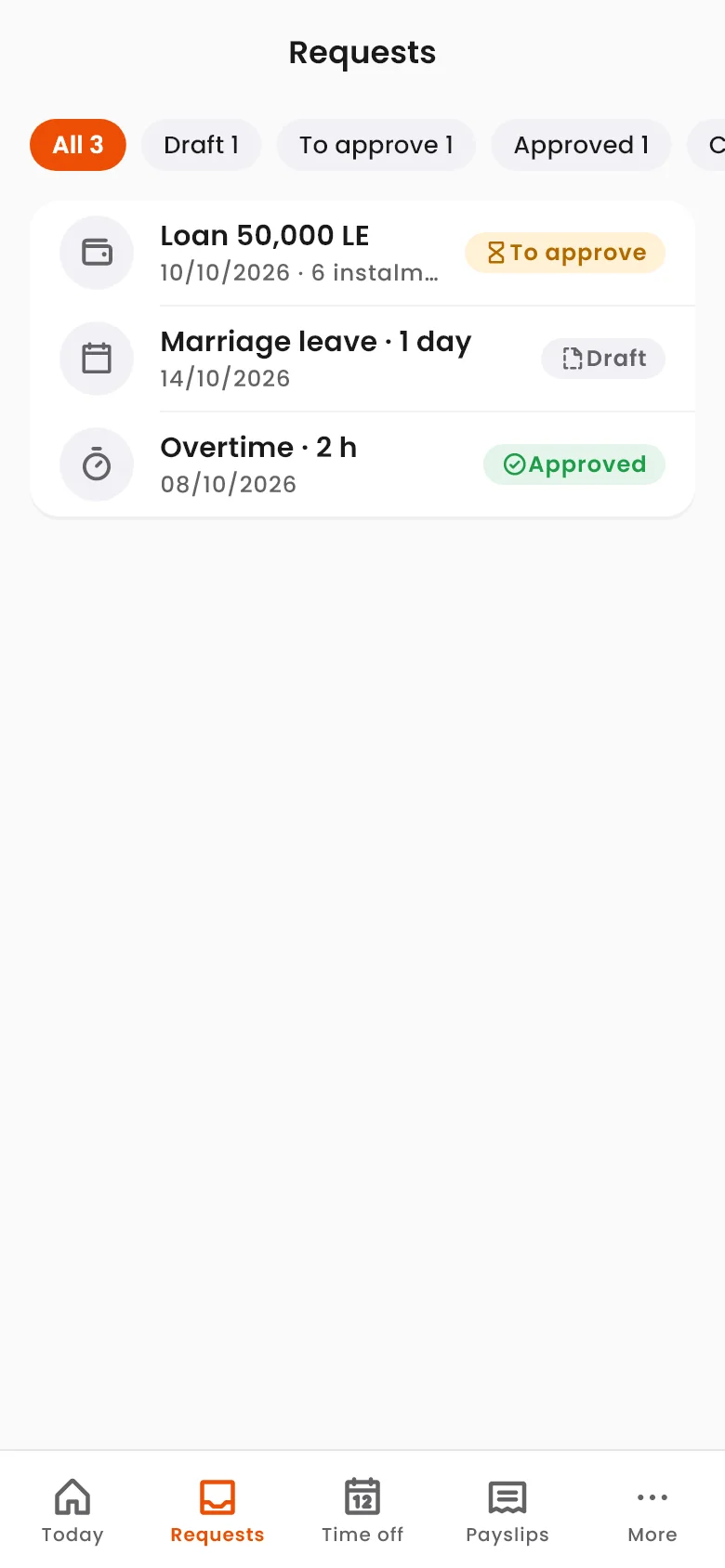
    Leave and other requests start from one place in the app. The list shows what your company has switched on.

    HR Suite app: the requests screenHR Suite app: the requests screen
  3. Approve

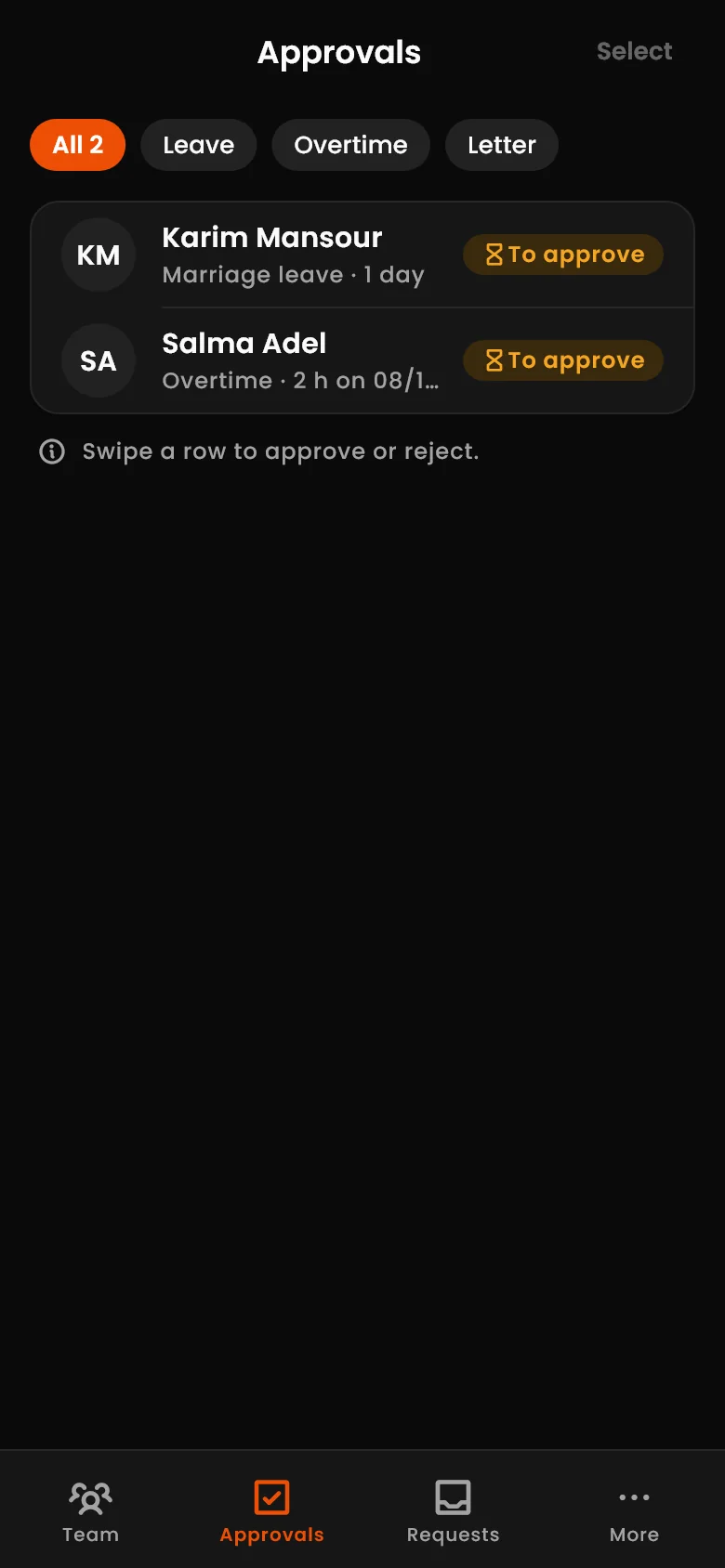
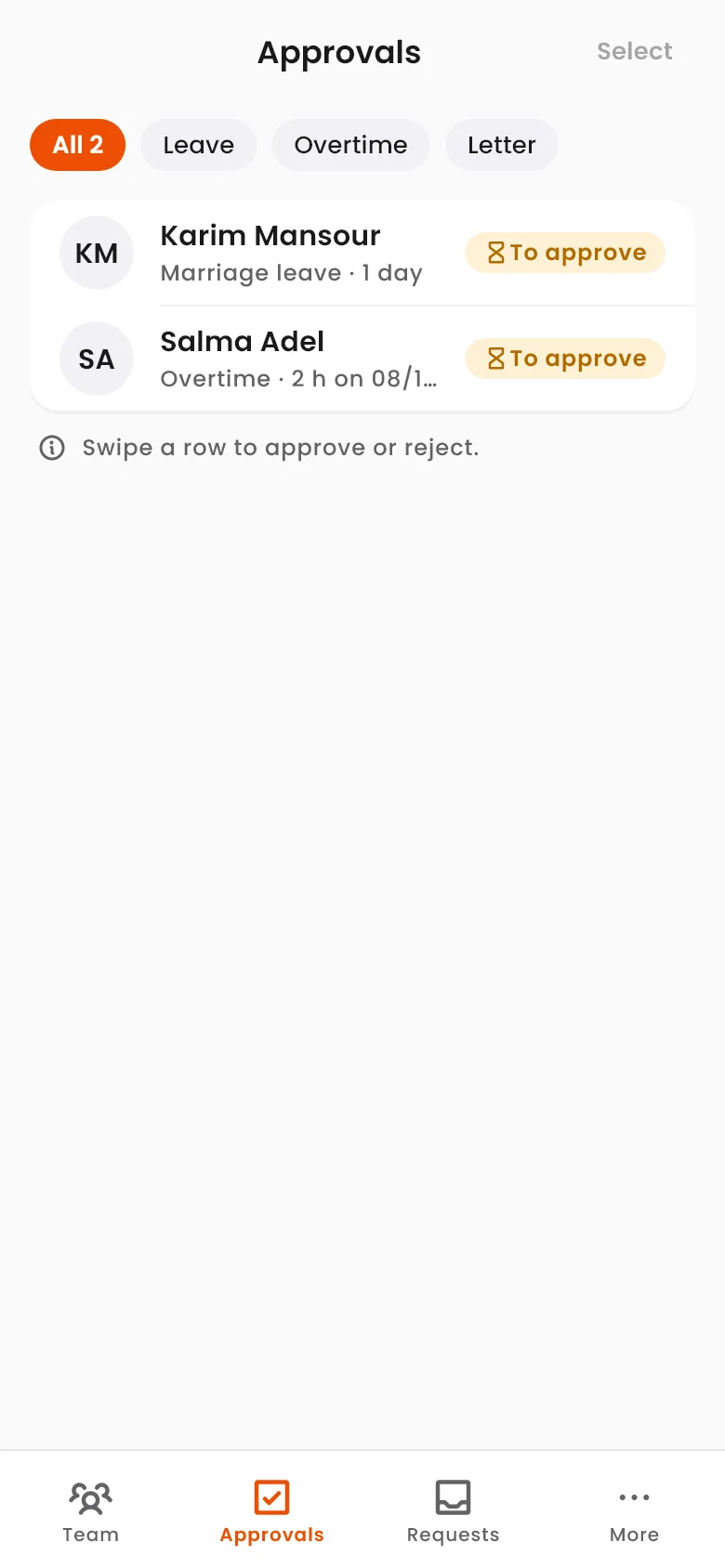
    Requests follow the approval tiers you set, and employees follow the status in the app. Managers approve or reject with a reason from their phone.

    HR Suite app: a manager's approvals listHR Suite app: a manager's approvals list
  4. Keep records current

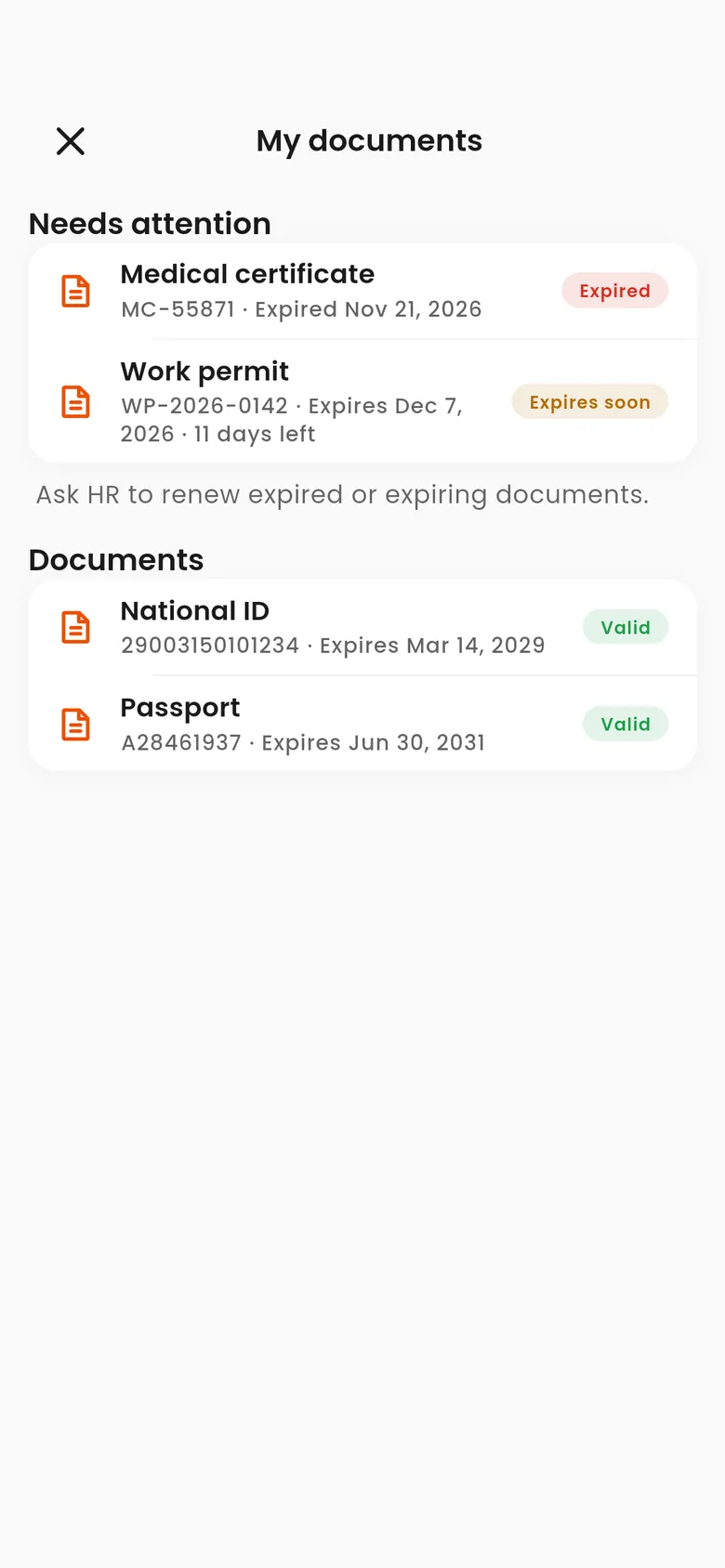
    HR tracks employee documents and gets reminders before they expire, and works employee cases against service targets.

    HR Suite app: an employee's documents, with an expired certificate and a work permit that expires soon
  5. Check payroll before it runs

    The Payroll Control Center checks payroll before and after the run and ranks each issue as block, warn or info.

  6. Payslips and end of service

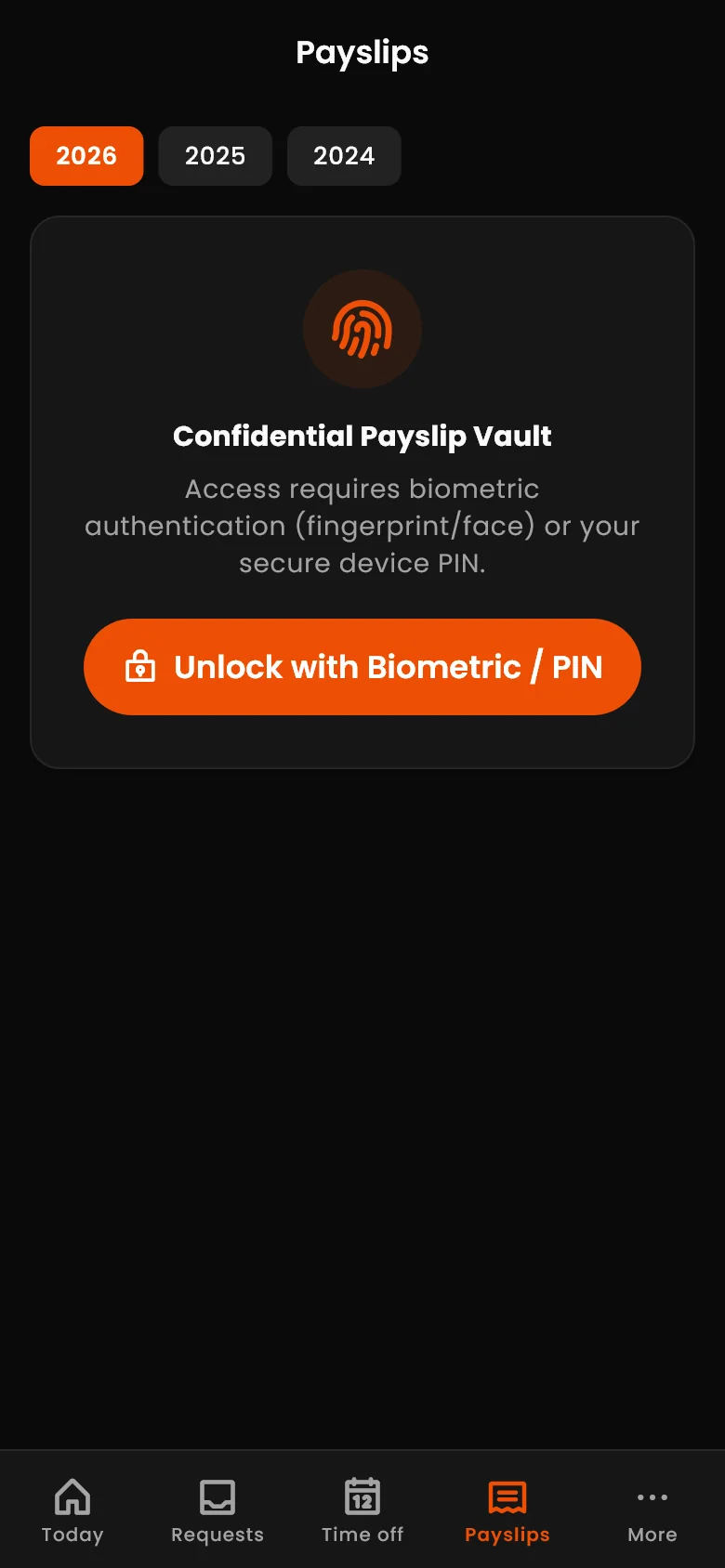
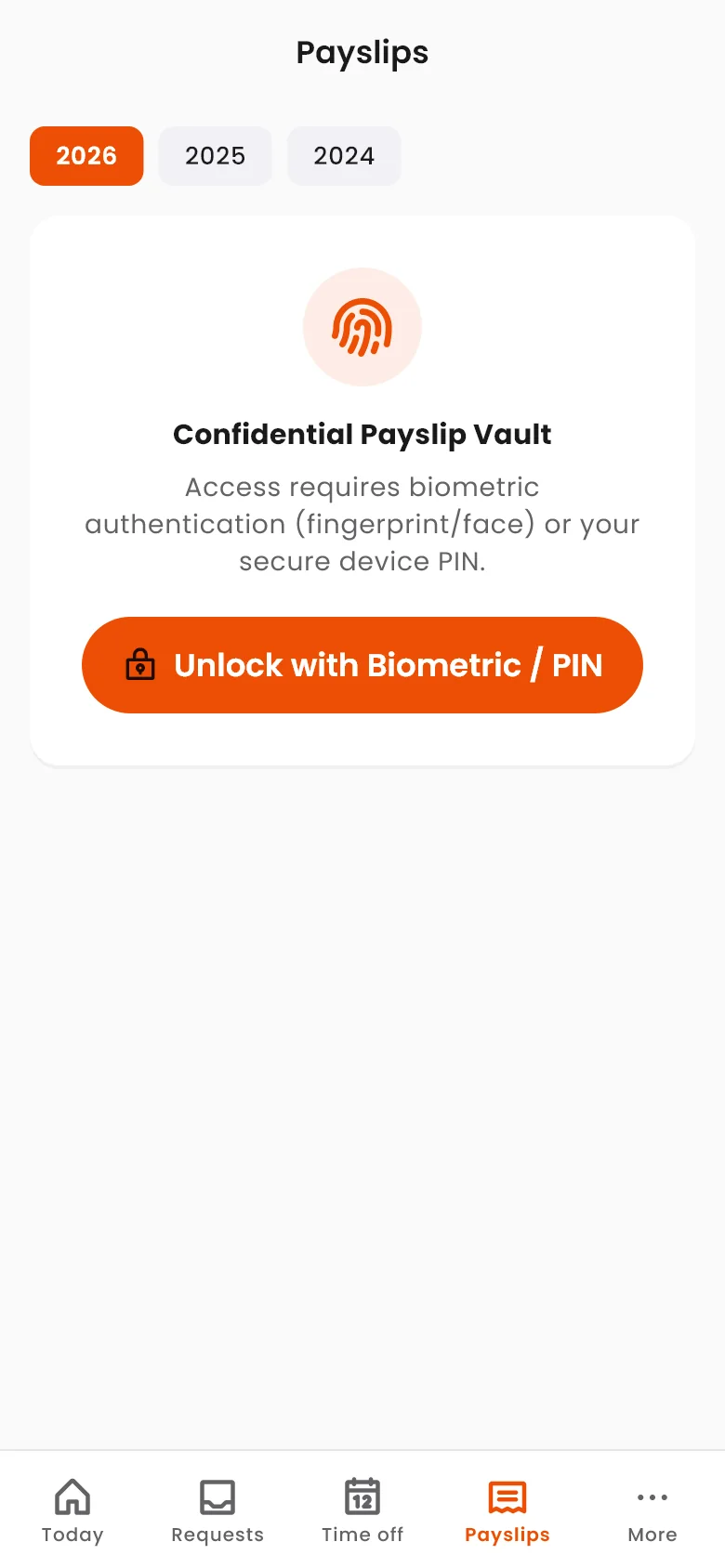
    Employees open their payslip PDF after unlocking with a fingerprint, face or phone passcode. End of service settlements are calculated from a law profile your HR confirms.

    HR Suite app: opening a payslipHR Suite app: opening a payslip
HR Suite app: checking in inside the work areaHR Suite app: checking in inside the work area

What you control

  • Approval tiers

    One approval engine with tiers for requests across modules.

  • Features per company

    Switch each suite feature on or off per company without uninstalling anything.

  • Payroll issues you close

    Blocking payroll issues are raised on real payslip lines, assigned and tracked until closed. The checks ship switched off, with legal thresholds for your team to set.

  • Legal values you confirm

    Law profiles for Egypt and Saudi Arabia keep every legal value as a setting. The settlement will not run while a legal value is missing.

  • Who sees what

    Reads of sensitive employee fields are logged, and confidential HR cases are limited to a dedicated group.

When the connection drops

The employee app needs a connection for requests, approvals and payslips. Your Odoo server checks the licence with DevAura; if it cannot reach us for a while, the app turns read-only after a grace period, but reading and checking in stay open. Odoo and payroll keep running, and nothing is deleted.

Editions and Odoo versions

Core HR, Community payroll, end of service, recruitment, talent, performance, engagement, privacy tools and the mobile app run on Odoo Community. Loans, advances, custody, overtime, missions, delay rules, penalties, bonuses, HR letters and Egyptian tax brackets need Odoo Enterprise payroll today. Employees sign in to the app with an employee code and PIN, not an Odoo user, but on Odoo 20 Enterprise, any active employee record without a full user is billed as a Light User, and every HR Suite employee has an employee record. We support Odoo 18, 19 and 20. We test it on a copy of your own database and version before you go live.
Prices

Pay per user as a subscription, monthly or yearly, or buy the product once. Every plan includes every feature: plans differ only in the number of users.

Subscription plans in Egypt, in Egyptian pounds (EGP)
PlanUsersMonthlyYearly
Per user1250 EGP2,000 EGP
Small153,750 EGP30,000 EGP
Medium5012,500 EGP100,000 EGP
Large10025,000 EGP200,000 EGP
EnterpriseMore usersWritten quotationWritten quotation

These are prices in Egypt. Outside Egypt, ask for a written quotation in your currency.

Buy it once

200,000 EGP per product, paid once. You own it for good, with hosting, setup, support and every future upgrade included, and no licence or recurring fee.

Questions owners ask

Support and policies

Everything an app store, your IT team or your staff will ask for.

Get a written quotation

Pick the services you need and answer a few short questions. We reply within one working day.

Get a quotation