Field sales that land in Odoo, even without signal
DevAura Van Sales gives your reps one app for routes, visits, orders, deliveries and payments, and puts it all in your own Odoo database. Every action is saved on the phone first and synced when there is signal.
Van Sales runs on Odoo Community, which has a $0 Odoo licence.
My reps write orders on paper and the office types them again. I hear about a wrong discount or an unpaid invoice days later, and I cannot tell which shops were really visited.
How it works
Plan the day
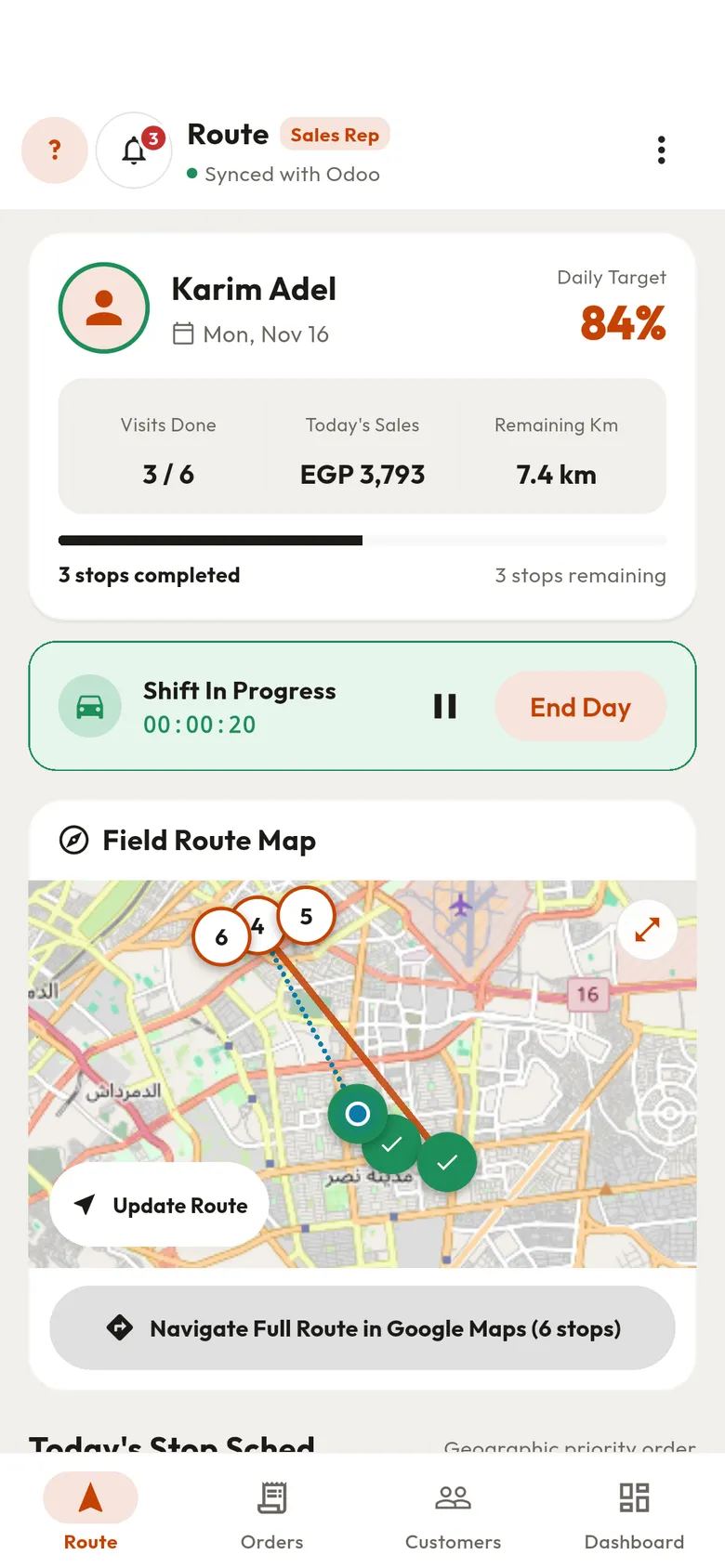
A supervisor plans a dated route of customer stops for each rep and publishes it. The stop order can be rearranged to shorten the drive.
Visit the shop
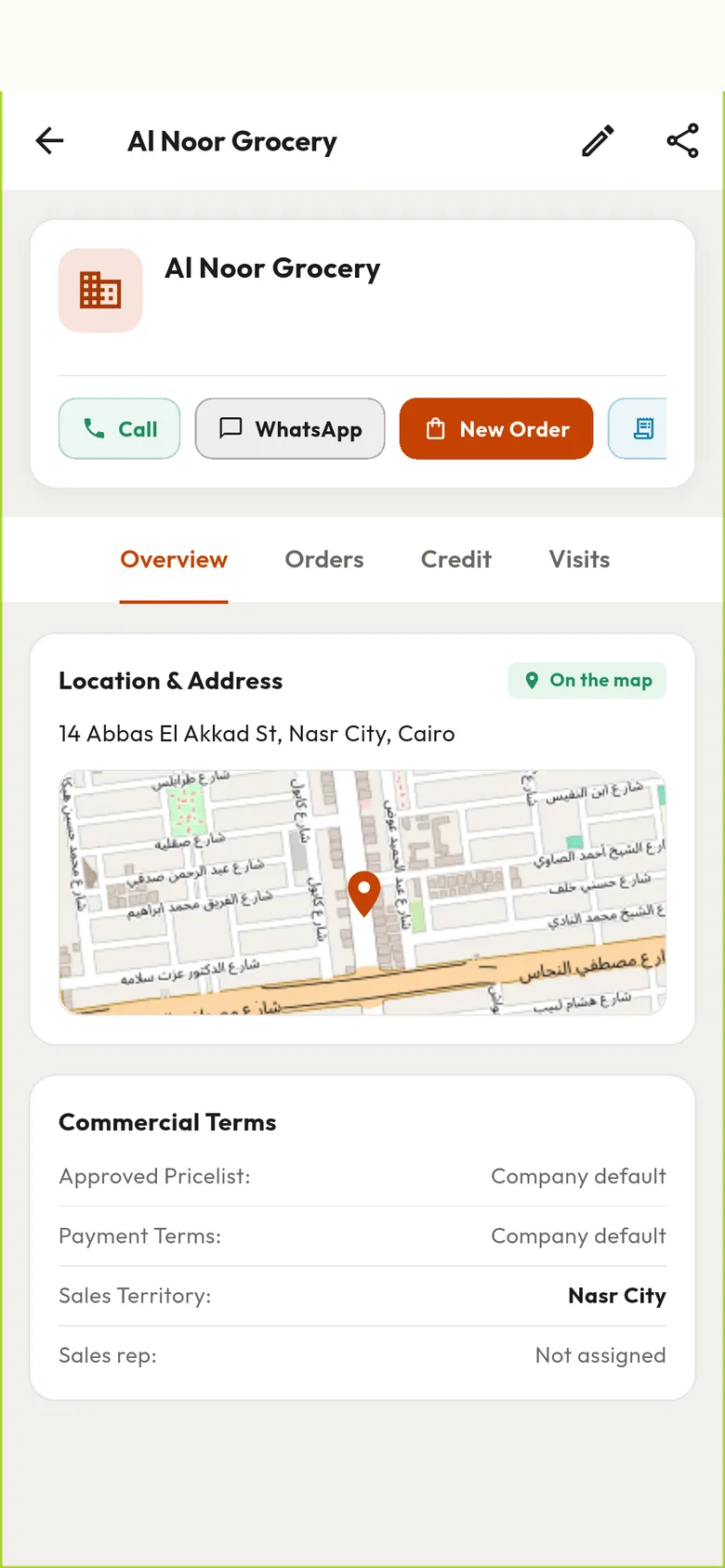
Check-ins are matched to the customer location; an arrival outside the radius needs a written reason and is flagged.
Take the order
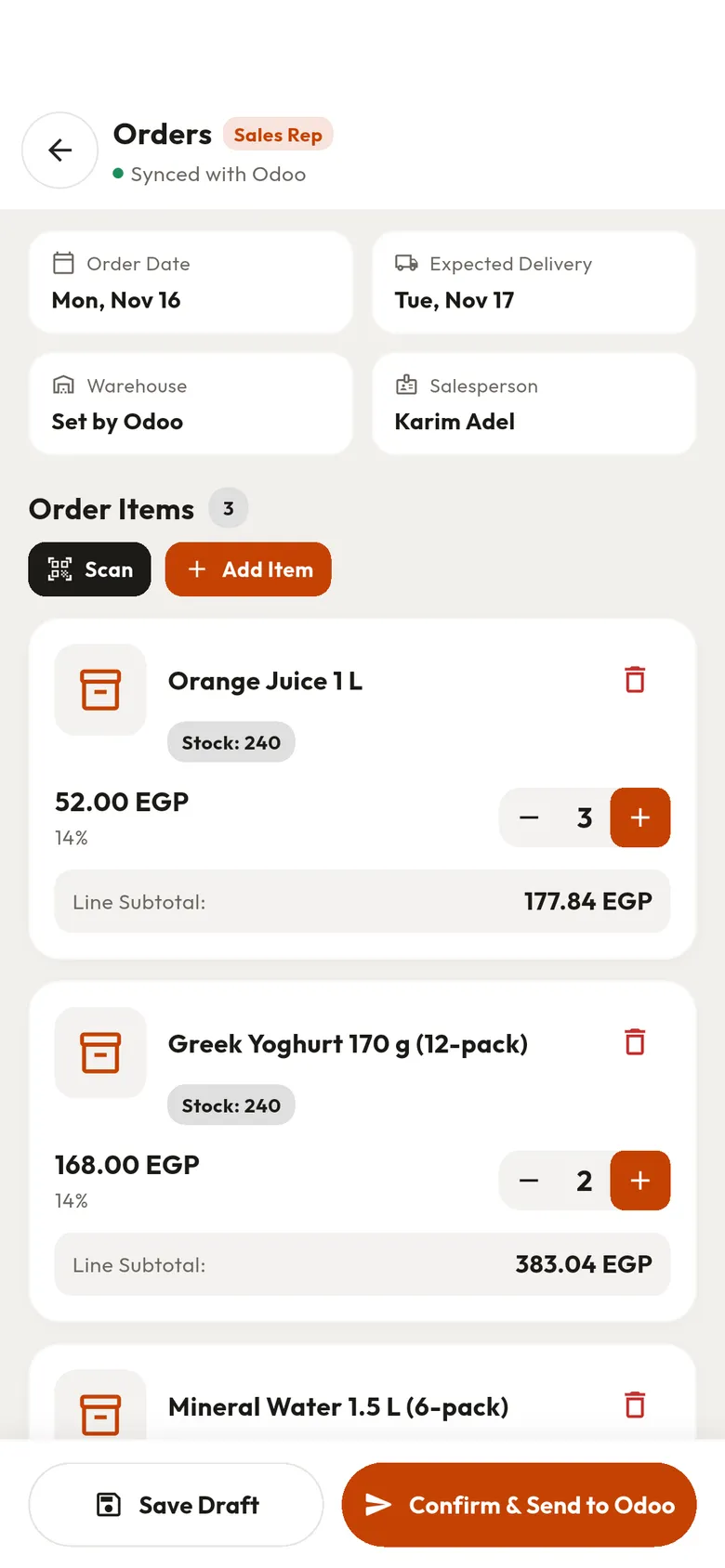
The rep builds the order from the catalogue or by scanning a barcode, and Odoo returns the exact price, discount and tax. Credit limit and overdue balance are checked before the order is confirmed; offline figures refresh daily.
Deliver and collect
The driver records who received the goods, with a signature and photos, and Odoo validates the delivery. Cash, cheque and transfer payments post in Odoo and match the oldest open invoices. You switch deliveries and payments on per company.
Close the day
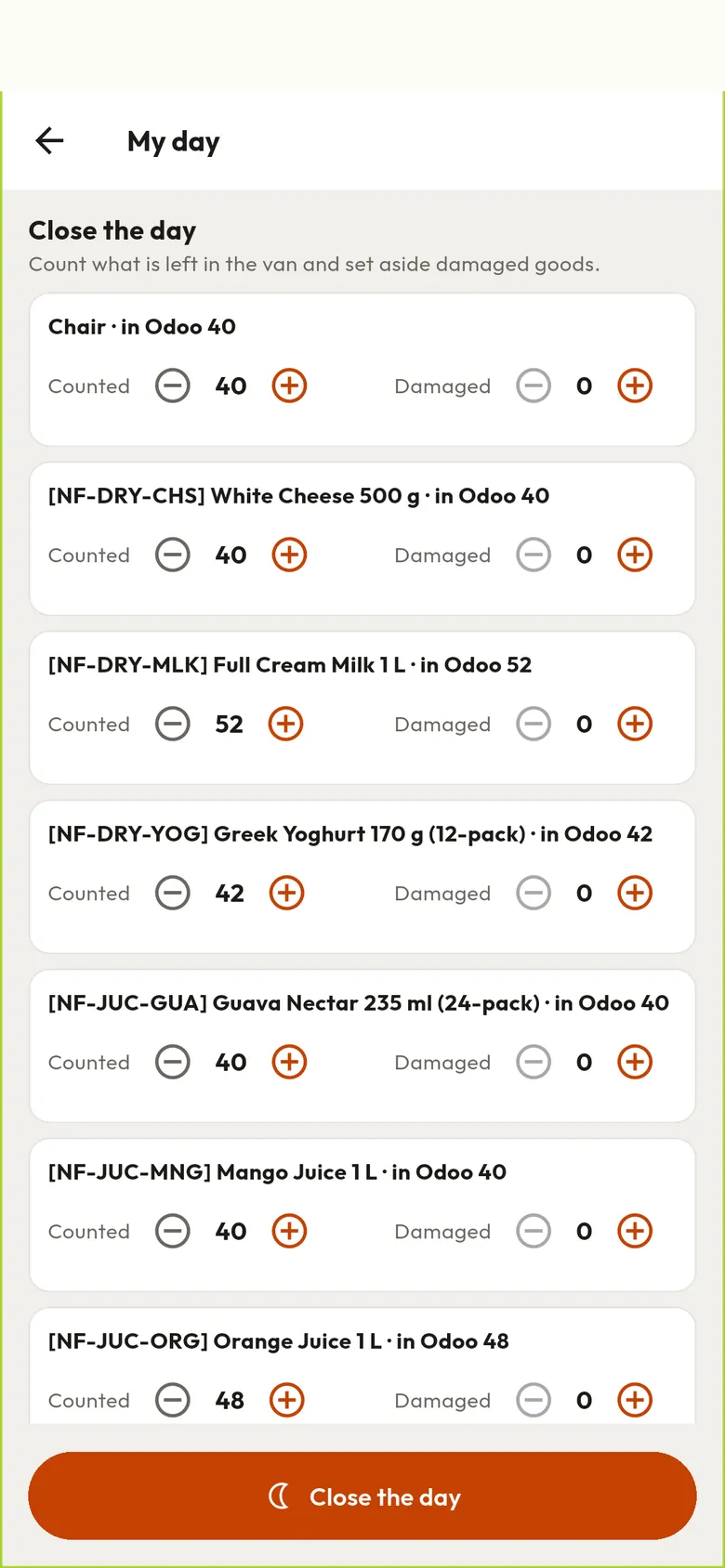
Before finishing, the rep sees anything still waiting to sync. Van counts show the difference against Odoo before anyone adjusts stock.
See it from the office
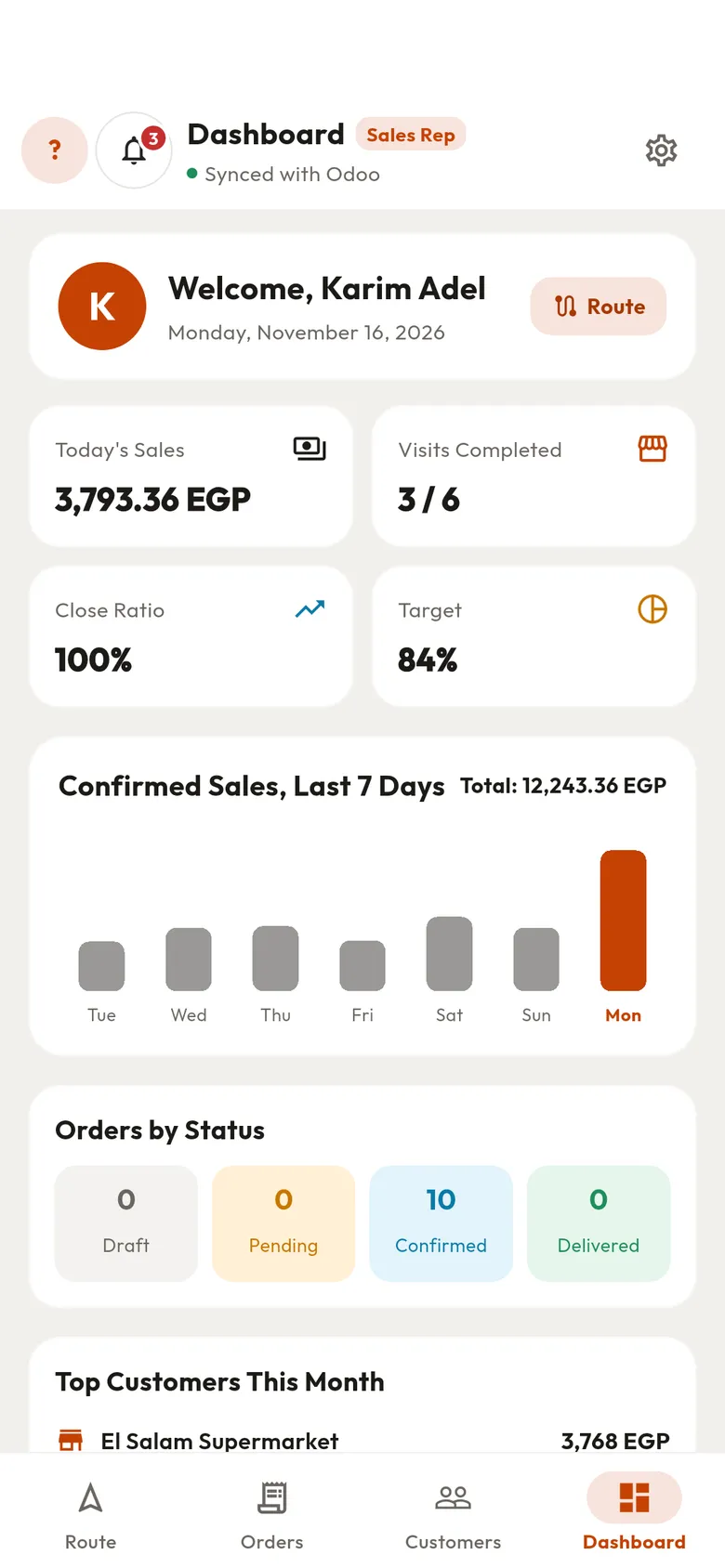
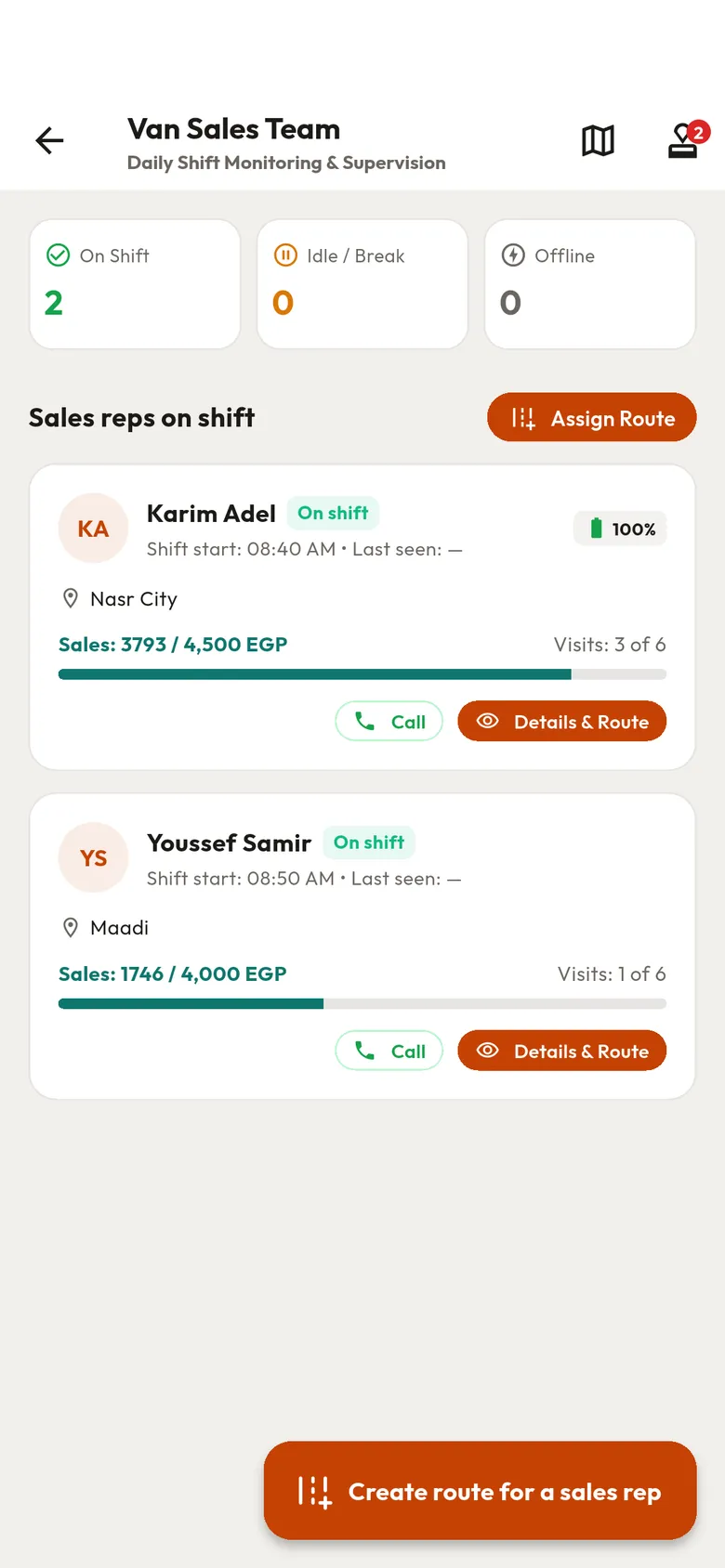
One Odoo screen shows reps on duty, today's routes and stops, open incidents, and cash collected against cash received.
Let shops order for themselves
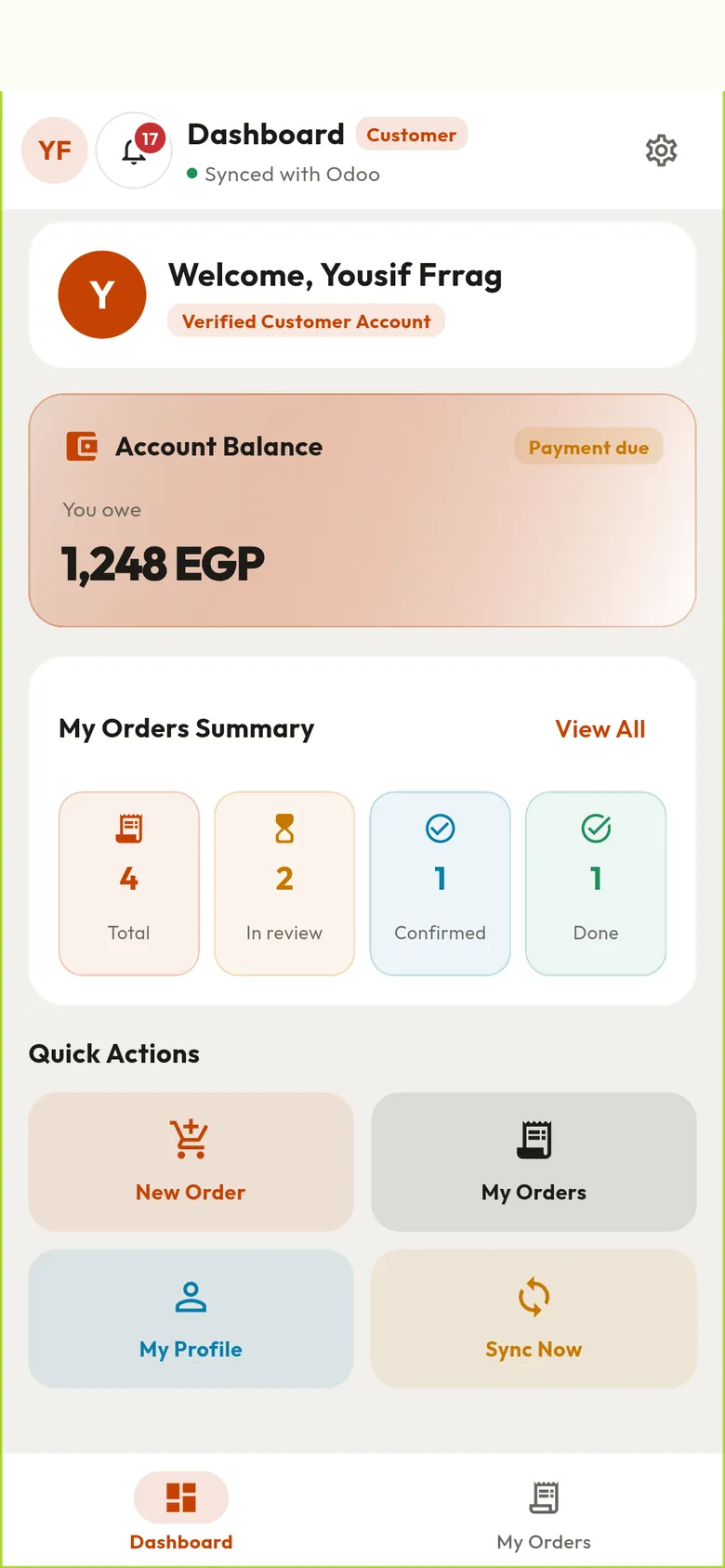
Give a shop a customer account in the same app. They see only their own balance and available credit and place their own orders, and every order a customer places waits for a supervisor's approval.
What you control
Discounts and order limits
Each rep has a maximum discount and order amount. Orders above a discount or amount threshold you set wait in the Approvals Hub for a supervisor.
Credit and overdue rules
Choose to ignore, warn or block when a customer is over their credit limit or has overdue invoices. Only the supervisors you choose can override.
Who can do what
Permission profiles switch each action on or off per role, from adding customers to cancelling orders.
Phones and sign-ins
Each account is tied to registered phones, and admins can block a device.An audit log records logins, token refreshes and sign-up approvals with who, when, IP and device.
No fake locations
Fake-location apps are detected, the check-in is refused and the supervisor is told.
No signal? Keep selling.
Your reps keep working with no signal; everything syncs when the phone is back online.Sending the same change twice never creates a second order, payment or visit. Your Odoo server itself needs internet to check the licence with DevAura.
Editions and Odoo versions
Van Sales runs on Odoo Community, which has a $0 Odoo licence. It uses only Community apps, so it also runs on Enterprise. Reps use DevAura rep accounts, not Odoo users. On Odoo 20 Enterprise, any active employee record without a full user is billed as a Light User, so an employee record you keep for each driver is still billed there. We support Odoo 18, 19 and 20. We test it on a copy of your own database and version before you go live.
Prices
Pay per user as a subscription, monthly or yearly, or buy the product once. Every plan includes every feature: plans differ only in the number of users.
Subscription plans in Egypt, in Egyptian pounds (EGP)
Plan
Users
Monthly
Yearly
Per user
1
250 EGP
2,000 EGP
Small
15
3,750 EGP
30,000 EGP
Medium
50
12,500 EGP
100,000 EGP
Large
100
25,000 EGP
200,000 EGP
Enterprise
More users
Written quotation
Written quotation
These are prices in Egypt. Outside Egypt, ask for a written quotation in your currency.
Buy it once
200,000 EGP per product, paid once. You own it for good, with hosting, setup, support and every future upgrade included, and no licence or recurring fee.
Questions owners ask
Yes. Your reps keep working with no signal; everything syncs when the phone is back online.
No. Reps use DevAura rep accounts, not Odoo users. On Odoo 20 Enterprise, any active employee record without a full user is billed as a Light User, so check with us before you add an employee record for each rep.
Android and iPhone. Both apps arrive on Google Play and the App Store in December.
Not today. Orders follow the normal Odoo flow from sale to delivery, and invoices are made in Odoo. The rep can see in the app whether an order is invoiced and paid.
No. Location is recorded during an active shift while the app is open, and at check-in, orders, deliveries and incidents. It stops when the app is closed.
The subscription is per rep, or a custom plan you configure and get a written quotation for.
Support and policies
Everything an app store, your IT team or your staff will ask for.